
Updated October 2026 | Event Management Guide
Planning an event involves more than choosing a date and sending an invitation. Guests need to know where to go, when to arrive, what to expect, and how to confirm their attendance.
When event details are scattered across messages, emails, and social media, even a small gathering can become difficult to coordinate.
A digital event invitation gives guests one place to find important information, while an RSVP system helps organizers understand who intends to attend.
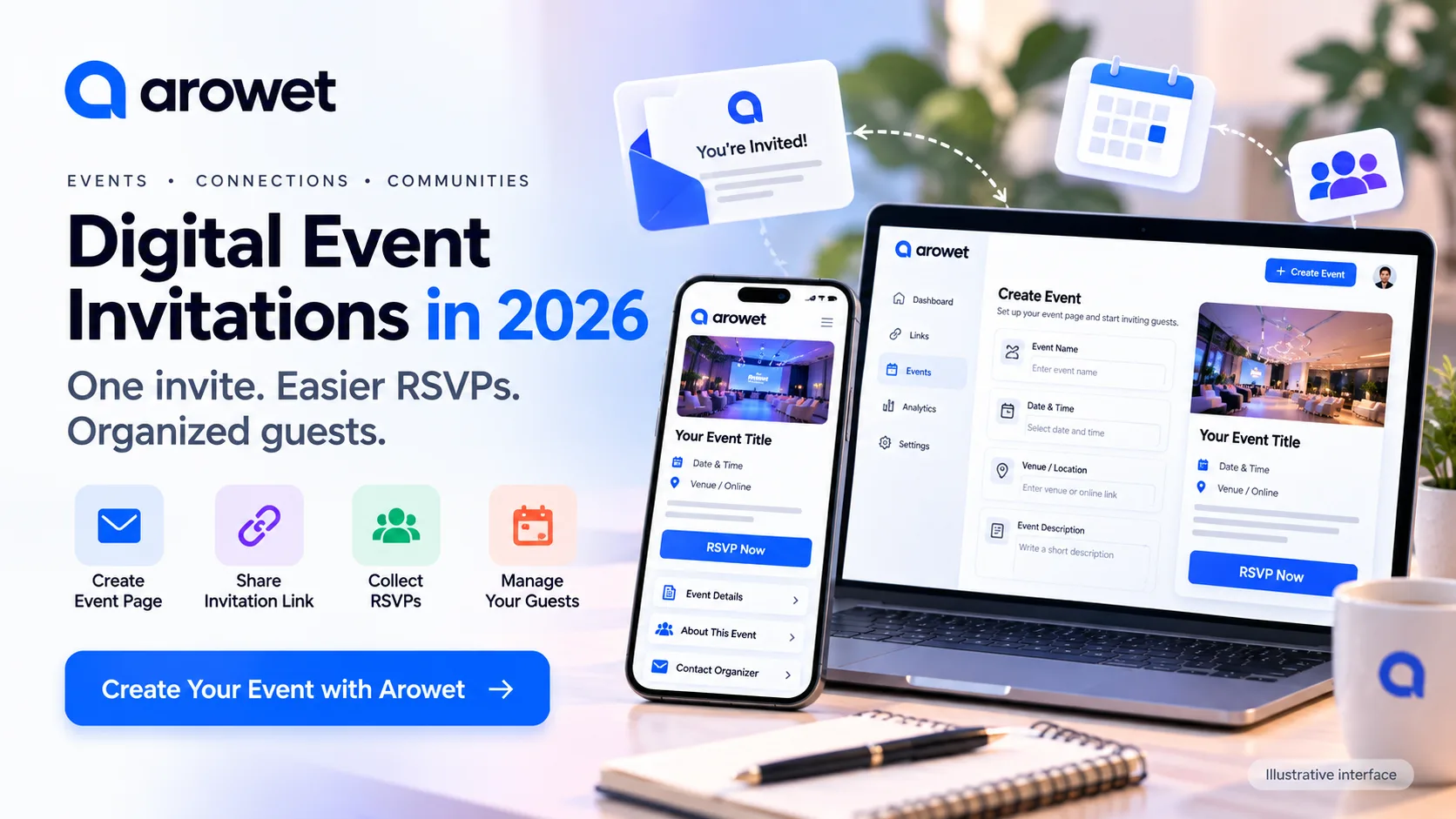
In this guide, we'll explore how digital event invitations work, why guest management matters in 2026, and how Arowet can help you create event pages, collect RSVPs, organize guests, and share invitation links.
Why Digital Event Invitations Matter in 2026
People increasingly expect event information to be easy to access and understand.
According to Cvent's 2026 event-trends research, smaller, purpose-driven events and meaningful in-person connections are receiving greater attention from event professionals.
The emphasis is shifting toward experiences that feel relevant and valuable to participants.
This makes clear communication especially important.
Whether you're organizing a workshop, community meetup, private gathering, professional discussion, or another type of event, a well-organized invitation can help participants prepare.
Digital invitations provide several practical advantages:
Important details are available in one location.
Organizers can share a single invitation link.
Guests can respond through an available RSVP process.
Changes to an online event page can be easier to communicate.
Guest information can be managed more systematically.
The goal is not simply to use more technology. It is to make event planning clearer for organizers and guests.
What Is a Digital Event Invitation?
A digital event invitation is an online invitation that communicates event details and provides instructions for participating.
It may take the form of a dedicated event page, a shareable link, or a message connecting recipients to an RSVP destination.
A good invitation should answer several questions:
What is happening? Provide a clear event title and purpose.
When is it happening? Include the confirmed date, start time, and time zone where relevant.
Where is it happening? Provide a verified venue address or online joining instructions.
Who is organizing it? Identify the organizer and supply an appropriate contact method.
How can guests respond? Explain the RSVP process and any relevant deadline.
Avoid adding unconfirmed speakers, sponsors, locations, or event promises.
Accurate information builds more trust than elaborate marketing language.
Step 1: Decide What Your Event Is About
Before creating an invitation, define your event's purpose.
Ask yourself:
Who is the event intended for?
What will attendees learn, experience, or celebrate?
Will the event be online or in person?
How many people can the event reasonably accommodate?
What information will guests need beforehand?
For example, a small educational workshop may need a clearly defined topic and agenda, while a private gathering may prioritize timing, venue details, and guest coordination.
These are illustrative planning scenarios, not claims about events hosted by Arowet.
Step 2: Prepare the Essential Event Information
Once you've established your event's purpose, gather the information you want to communicate.
Prepare the event title, description, date, timing, location, organizer identity, and contact details.
Check that all information is correct before making it publicly available.
For international or online participants, clearly identify the time zone.
For in-person gatherings, consider directions, accessibility, seating arrangements, and important entry instructions.
If a detail has not been confirmed, identify it as pending rather than presenting it as final.
Step 3: Create an Event Page with Arowet
Arowet's official website describes event management capabilities that include creating event pages, collecting RSVPs, managing guests, and sharing invitations through a link.
The website currently lists events as part of its Business plan.
To get started:
Visit Arowet.
Log in or create an account.
Access the event management area available to your account.
Start an event using the available creation interface.
Enter the confirmed event information requested.
Review the event page before sharing it.
Use the invitation link provided by the event workflow.
Exact field names and interface options may vary.
Arowet's public website does not establish that every account includes ticket payments, automated email reminders, seating charts, or calendar synchronization. Check your actual dashboard before depending on those functions.
Step 4: Write a Clear Invitation Message
An effective invitation doesn't need to be complicated.
It should make guests feel informed and give them an obvious next step.
Here is a reusable example template:
Event Name: [Your Event Title]
About the Event: [A short explanation of the purpose]
Date: [Confirmed Date]
Time: [Confirmed Time and Time Zone]
Location: [Verified Venue or Online Details]
Organizer: [Your Name or Organization]
RSVP: Please confirm your attendance using the event invitation link.
Contact: [Your Verified Contact Details]
Replace all placeholders before publishing. Do not present this template as a real upcoming event.
Step 5: Understand RSVP Management
RSVP is an abbreviation of the French expression répondez s'il vous plaît, meaning "please respond."
It allows invited guests to communicate whether they intend to attend an event.
RSVP information can help organizers estimate resources, prepare a venue, and communicate more effectively.
Arowet advertises RSVP collection within its event management capabilities.
However, an RSVP confirmation and actual attendance are different things.
Someone may confirm attendance and later change plans. Organizers should avoid reporting RSVP totals as actual attendance unless they have independently verified that the guests participated.
Step 6: Keep Your Guest List Organized
A guest list is useful for understanding who has been invited and what responses have been received.
For a private gathering, it may help with seating and hospitality preparations.
For a professional event, it may help with communication and capacity planning.
For a small workshop, it can help an organizer decide how much material or equipment to prepare.
Arowet publicly describes guest management as part of its event offering.
Use the guest-management features actually available in your account and avoid collecting information you do not need.
Guest phone numbers, email addresses, and other personal information should not be published openly.
Step 7: Share One Reliable Invitation Link
After preparing the event page, you can share its link through appropriate communication channels.
Possible places include:
Direct invitations to people who expect to receive them
Relevant community groups
Your organization's official website
Professional or personal social media pages
An appropriate email invitation
Your Arowet profile
Arowet's website specifically describes sharing an event invitation link from an Arowet profile.
Before sending the link widely, open it on another device and check that it leads to the correct event information.
Avoid sending unsolicited bulk messages or invitations that hide the organizer's identity.
Step 8: Review the Event Planning Checklist
Before an event goes live, verify six essential areas:
ChecklistWhat to VerifyPurposeClear event objective and audienceDate and locationAccurate details and time zoneEvent pageCorrect information and accessible linkInvitationsGuests know how to respondGuest listRSVP information is reviewedFinal communicationImportant updates reach participantsThis checklist can be used for workshops, networking sessions, community gatherings, and other legitimate events.
If plans change, update the relevant information and communicate those changes through the channels available to you.
Step 9: Make Your Event Accessible and Trustworthy
A positive guest experience starts before the event itself.
Try to make the invitation easy to read on mobile devices.
Avoid unnecessary information and confusing terminology.
Provide practical access information when relevant.
Use a recognizable organizer name and legitimate contact details.
Explain why any personal information is being requested.
Trust is important in 2026. Cvent's July 2026 research found that 85% of surveyed event and marketing professionals believed AI-generated content had made it harder to build audience trust.
The result comes from that particular survey, not from a universal measure of consumer trust.
For event organizers, the practical lesson is to be transparent and avoid misleading claims.
Step 10: Communicate After the Event
The work doesn't always end when an event finishes.
Depending on the type of gathering, you may want to:
Thank participants.
Share resources you promised.
Communicate relevant next steps.
Ask for voluntary feedback.
Review what could be improved.
Only contact guests through appropriate channels and in accordance with their privacy expectations.
If you organize recurring events, use genuine feedback to improve future invitations and guest coordination.
Digital Invitations vs Traditional Invitations
Both digital and printed invitations can be useful.
FeatureDigital InvitationPrinted InvitationDistributionShareable onlinePhysical deliveryInformation updatesA live page can be updatedSeparate notice may be neededRSVPCan offer an online responseMay require another contact methodAccessibilityRequires a suitable device and connectionCan be read offlineKeepsakeDigital-first formatPhysical mementoThe best format depends on the audience and nature of the event.
Some organizers may choose to use both methods.
Common Mistakes to Avoid
Missing important details: An invitation without a clear date, time, or venue can confuse guests.
Using unverified information: Never claim that a venue, speaker, or sponsor is confirmed when it isn't.
Assuming every RSVP means attendance: Responses help with planning but do not establish final attendance.
Ignoring privacy: Keep guest details protected.
Depending on unavailable features: Check your Arowet plan before promising automated reminders, payments, or other specific functionality.
Failing to test links: A working invitation link is essential.
Frequently Asked Questions
What is an online event invitation?
An online event invitation is a digital message or page containing event information, sharing instructions, and often a way to respond.
Can Arowet be used for event management?
Arowet publicly advertises event pages, RSVP collection, guest management, and shareable invitation links.
Which Arowet plan includes events?
Arowet currently lists business cards and events under its Business plan. Check the official pricing page for current details.
Can I use digital invitations for small events?
Yes. A small event can benefit from clear information and a simple RSVP process just as a larger gathering can.
Can I share an event through my Arowet profile?
Arowet's website describes sharing an event invitation link from your profile.
Does Arowet automatically sell tickets?
Ticket sales and payment processing were not confirmed from the public feature descriptions reviewed for this article. Verify them in the current product before advertising this functionality.
Will an RSVP guarantee that someone attends?
No. An RSVP communicates an intention or response, not proof of attendance.
Final Thoughts
Successful event planning begins with clear communication, accurate information, and an organized approach to managing guests.
Digital invitations can simplify sharing event details, while RSVP collection helps organizers prepare more thoughtfully.
With Arowet's advertised event-management capabilities, organizers can create event pages, collect responses, manage guests, and share invitations from a central destination.
The goal isn't to create the most complicated event setup.
It's to give people the information they need and make participation easier.
One Event Page. One Invitation Link. Clearer Coordination.
Ready to explore Arowet's event tools?