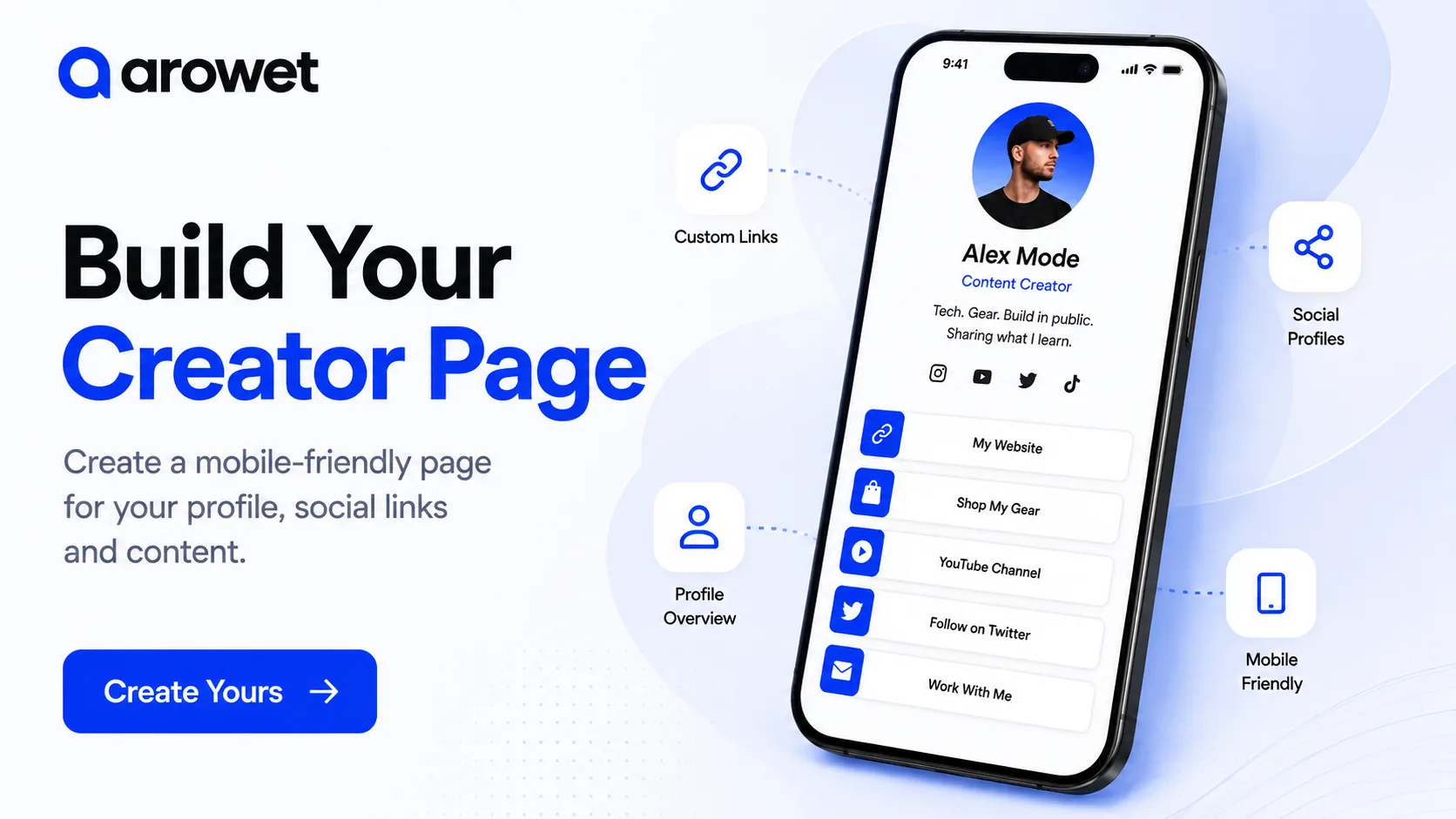
Your audience may discover you on Instagram, YouTube, LinkedIn, TikTok or another platform, but those profiles usually show only one part of what you do.
A creator page gives people one clear place to learn about you, discover your content and access the links that matter most.
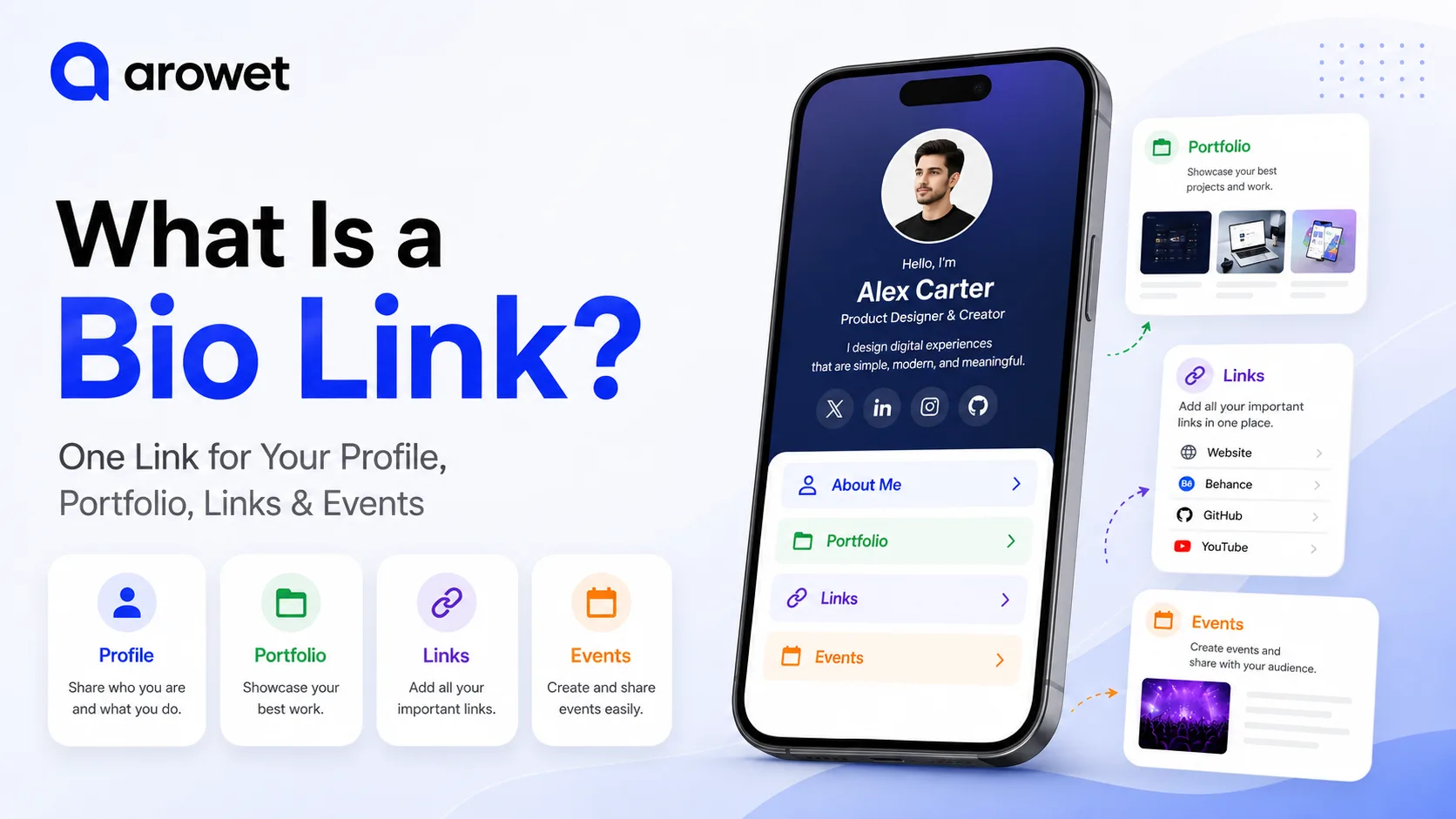
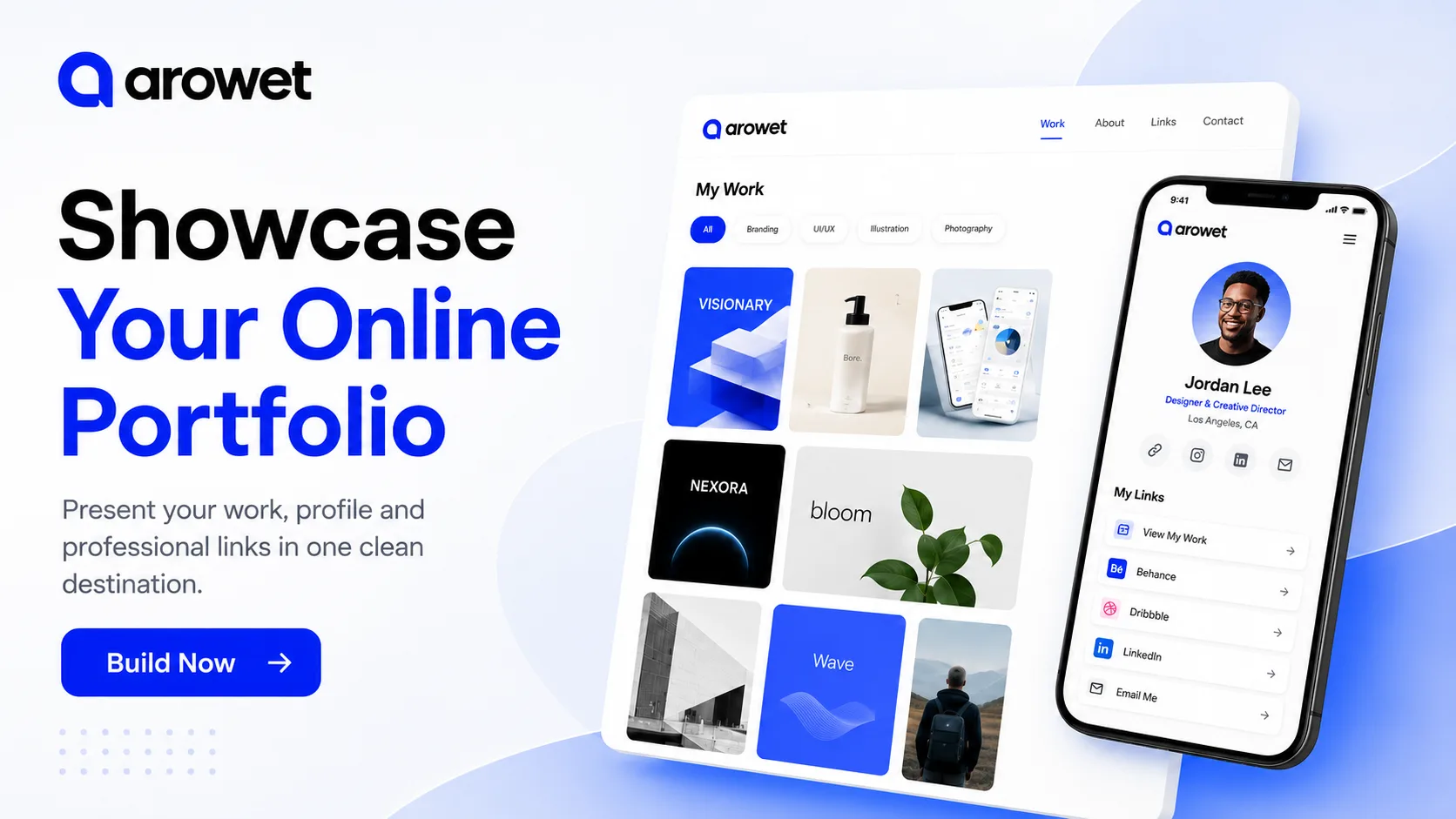
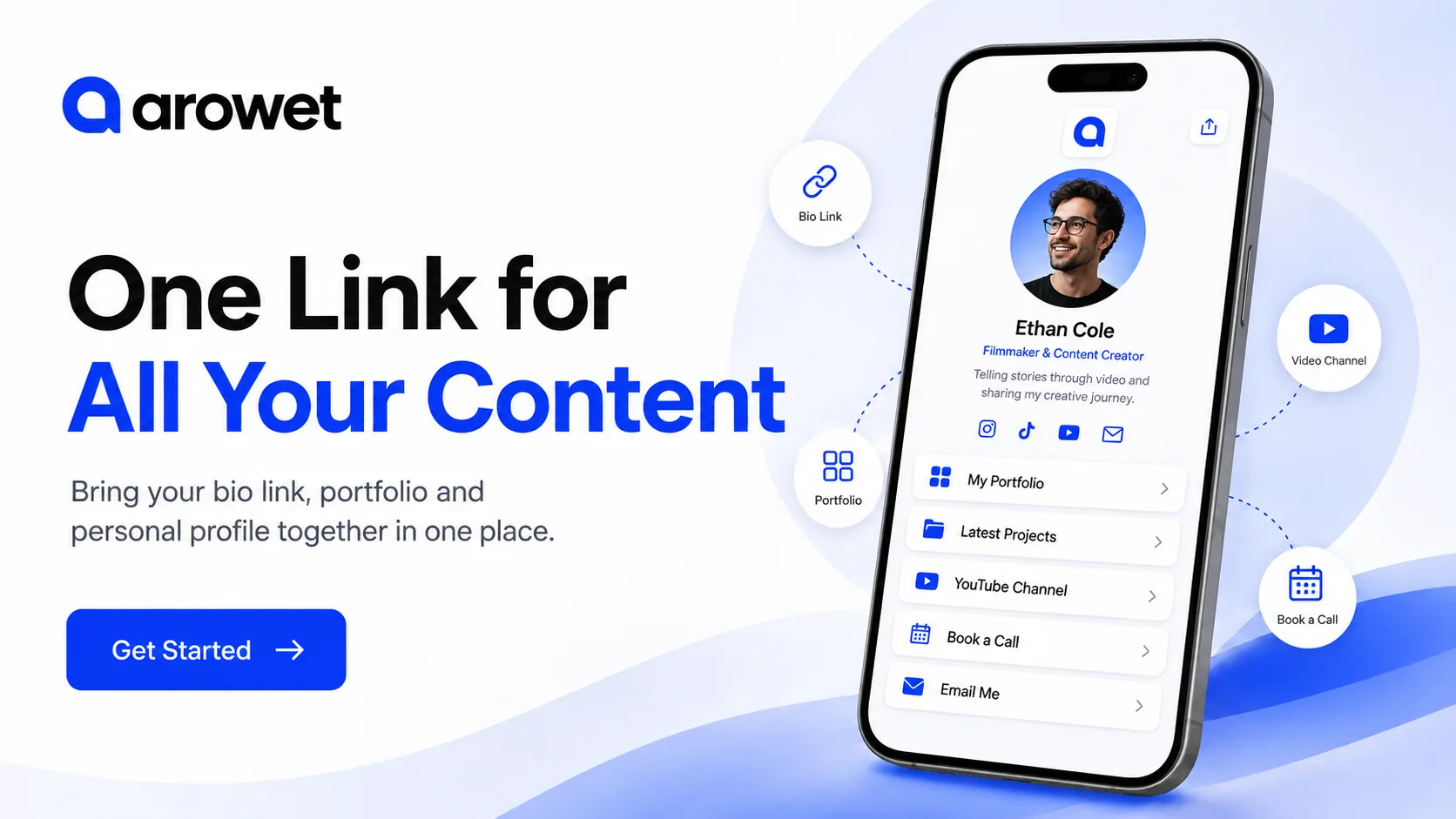
With Arowet, you can bring your profile, social platforms and important destinations together in one mobile-friendly page.
Start with a Clear Profile
Your profile should quickly answer one question:
Who are you and what do you do?
Add the essentials:
- Your name or creator name
- Profile image
- Professional role or creator category
- Short bio
- Location if relevant
Keep your introduction short.
For example:
Content Creator sharing practical tips about technology, productivity and digital tools.
That gives visitors useful context without making them read a long biography.
Add Your Important Social Profiles
Most creators are active on more than one platform.
Your Arowet creator page can give visitors quick access to destinations such as:
- YouTube
- TikTok
- X
- Personal website
- Other social platforms
Do not add every account just because it exists.
Focus on the platforms where you actually publish content or interact with your audience.
Organize Your Most Important Links
Think about what you want a visitor to do after opening your page.
You might want them to:
- Visit your website
- Watch your latest video
- View your portfolio
- Explore your products
- Read your latest content
- Contact you
- Book a call
Put the most important action near the top.
Avoid making visitors scroll through a long list before finding the destination you actually want them to open.
Use Clear Link Titles
A link should explain where it leads.
Instead of vague labels such as:
Click Here
use clear actions such as:
Watch My Latest Video
View My Portfolio
Visit My Website
Work With Me
Clear labels make your page easier to understand and can improve the overall visitor experience.
Keep Your Creator Page Mobile Friendly
Many people will open your creator page directly from social media apps on their phones.
That means the page should be:
- Easy to read
- Easy to scroll
- Easy to tap
- Fast to understand
Important actions should not be hidden behind complicated navigation.
Your audience should be able to move from your profile to your content in just a few taps.
Update Your Page as Your Content Changes
Your priorities will not stay the same forever.
This week you may want to promote a new YouTube video.
Next month you may want to highlight a portfolio project, event or collaboration.
Instead of changing the link across all your social profiles, update the content on your Arowet page while continuing to share the same main URL.
Keep the Page Focused
More links do not automatically make a better creator page.
Too many choices can make it harder for visitors to decide what to open.
Review your page regularly and remove:
- Old promotions
- Broken links
- Inactive social profiles
- Outdated content
- Unnecessary destinations
Keep the page focused on what is useful right now.
Build Your Creator Page with Arowet
Bring your profile, social presence and important content together in one simple destination.
Create one page that helps your audience understand who you are and quickly reach the content that matters.