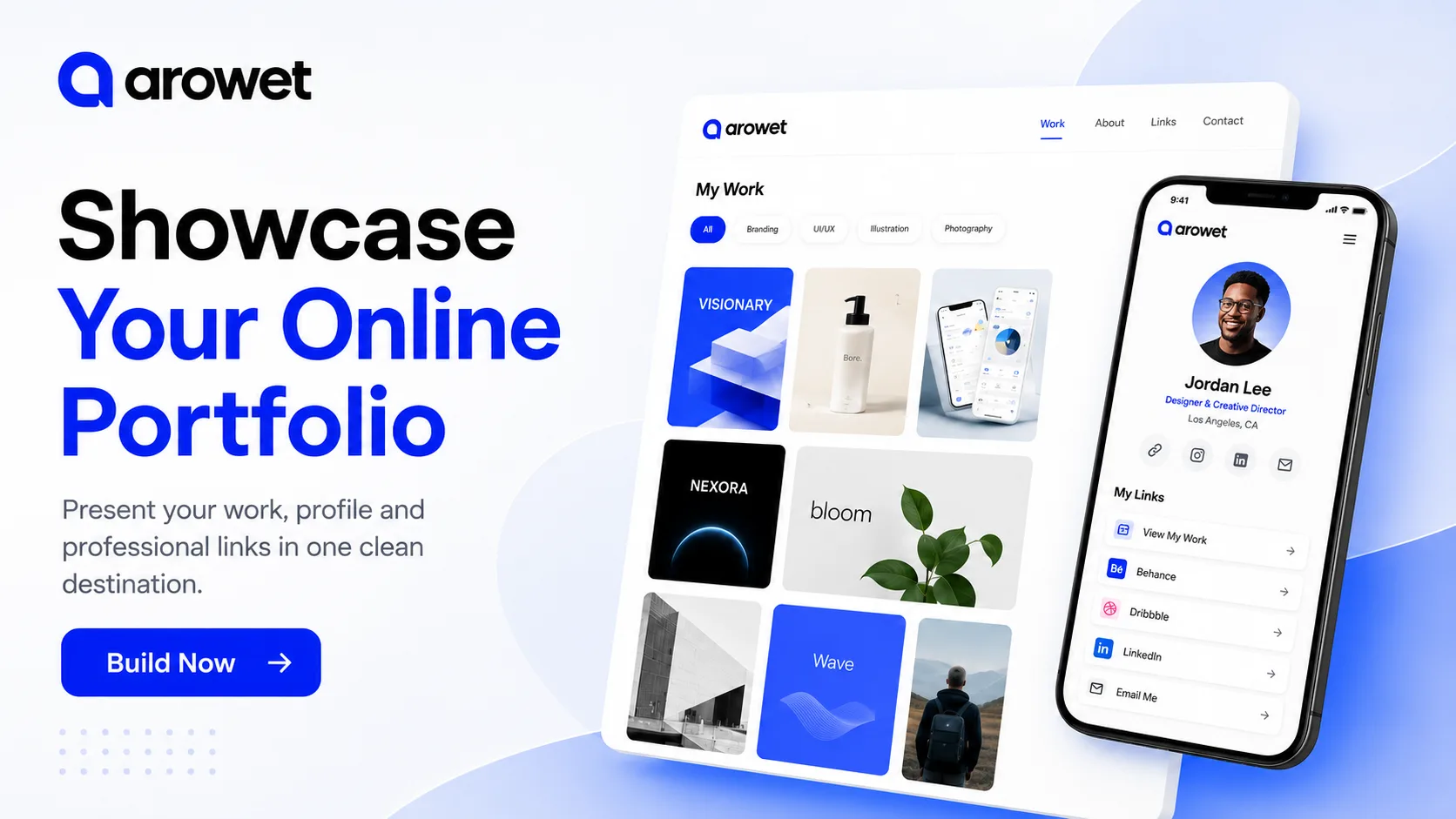
Your portfolio should make it easy for people to understand what you do and see the work that represents you best.
But many professionals spread their work across different platforms, cloud folders, social profiles and personal websites. That makes it harder for recruiters, clients and collaborators to get a clear picture.
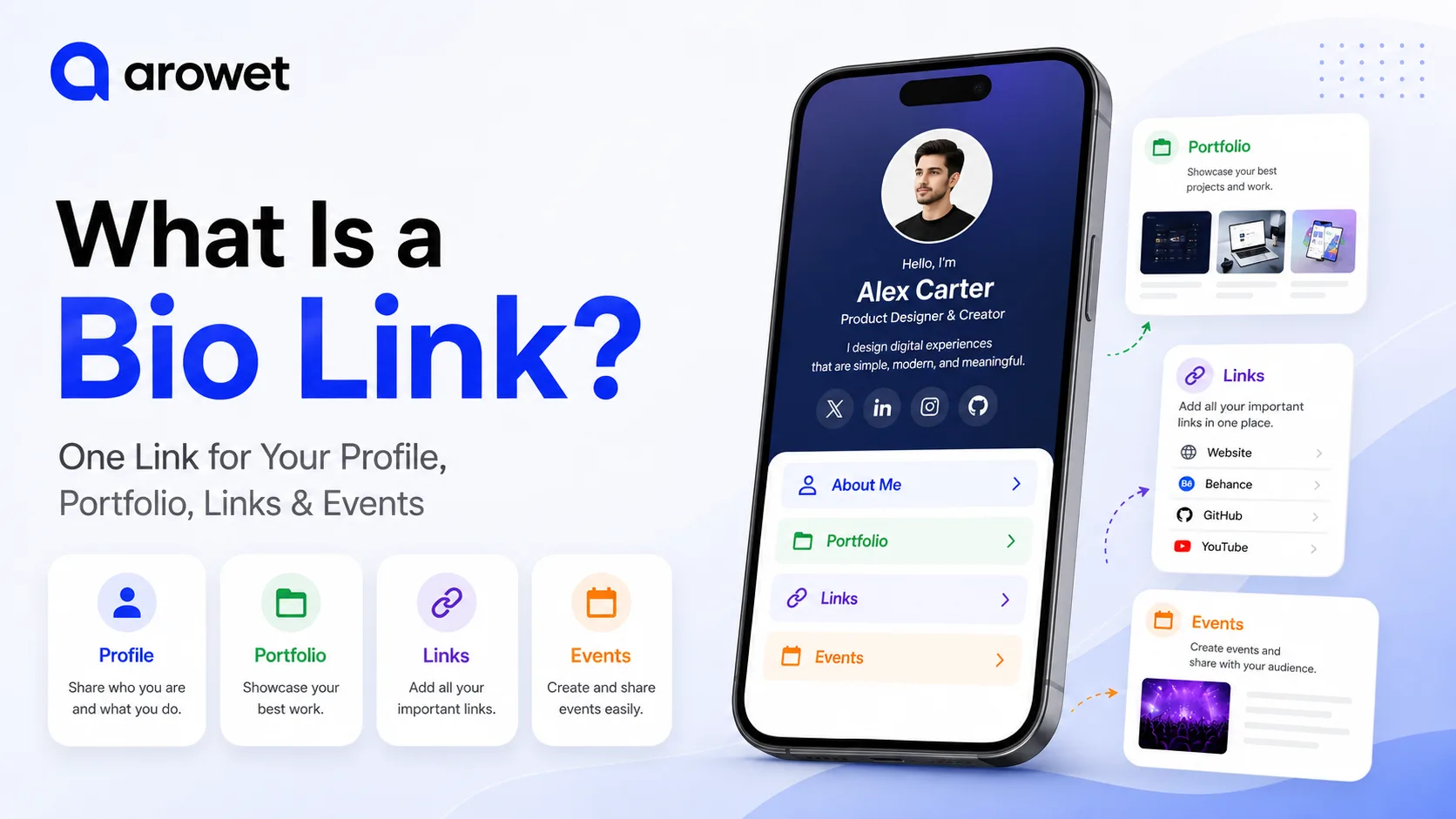
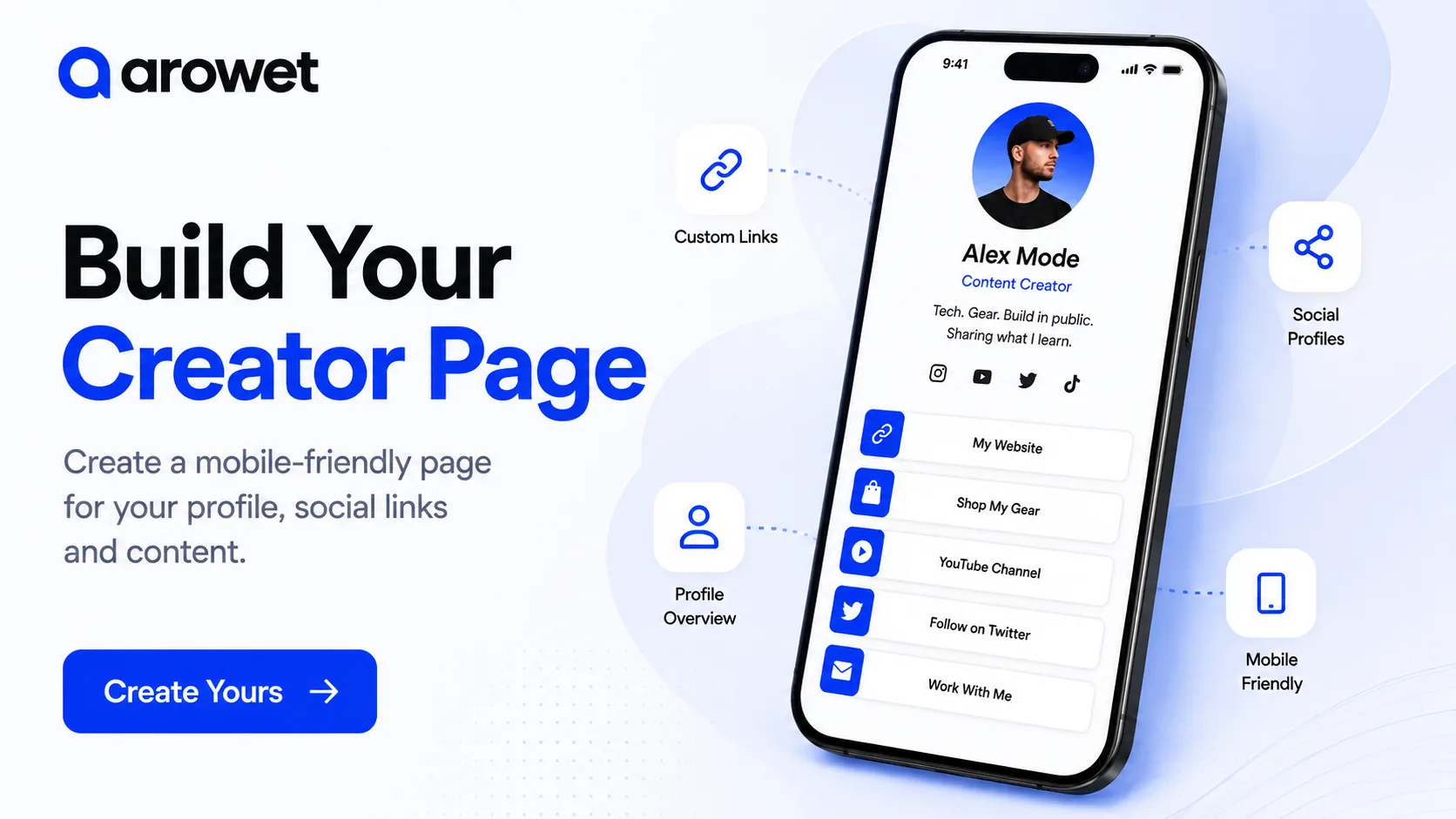
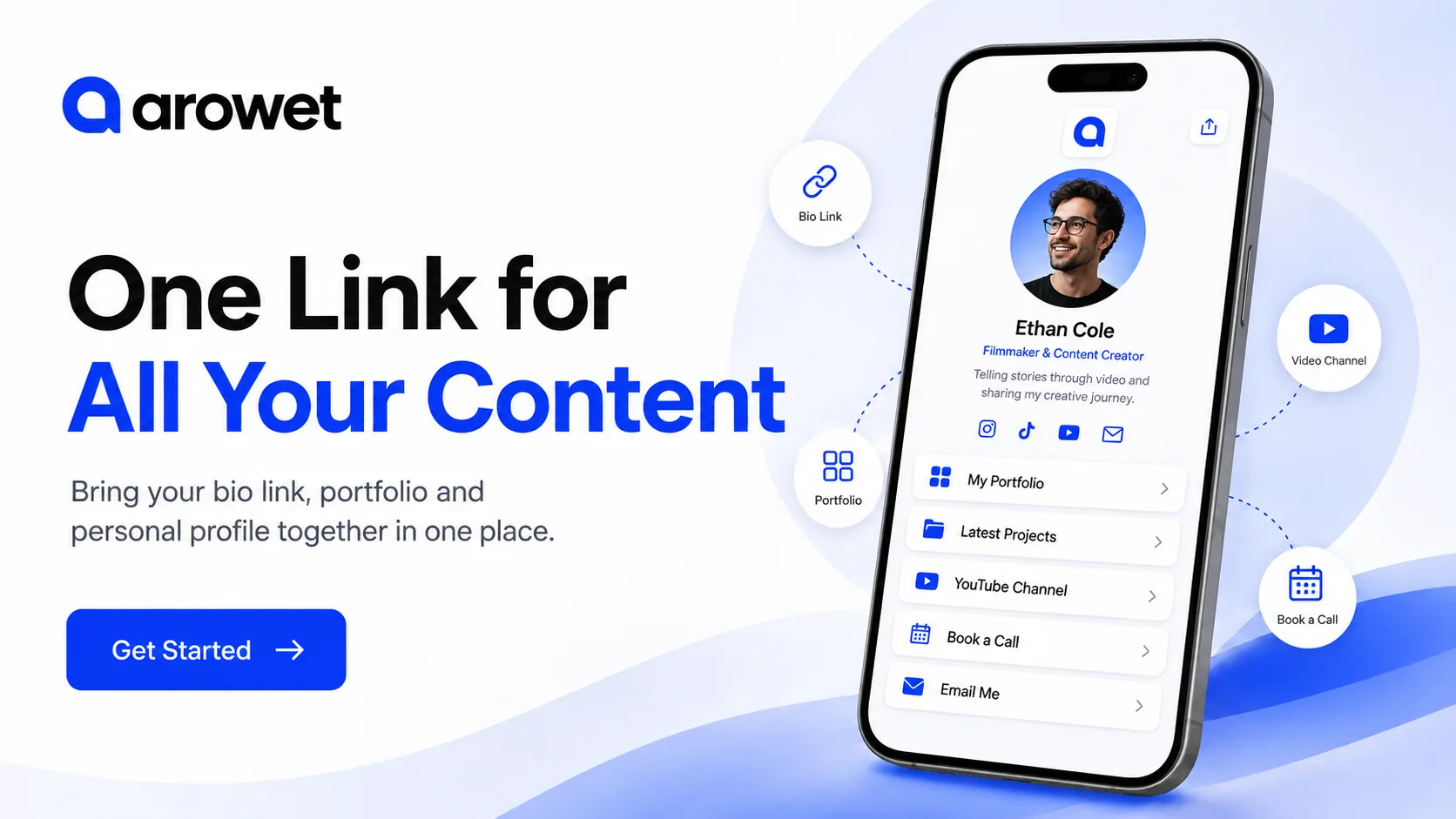
With Arowet, you can bring your profile, portfolio and important professional links together in one place.
Start with Your Best Work
A strong portfolio does not need every project you have ever completed.
Choose the work that best represents:
- Your current skills
- The type of work you want
- Your strongest projects
- The industries or services you want to focus on
A smaller, focused portfolio is usually more useful than a long list of unrelated work.
Give Every Project Context
A screenshot alone may look good, but it does not always explain what you actually did.
For each important project, add enough context so visitors can understand:
- What the project was
- What problem it solved
- What your role was
- Which skills or tools you used
- What the final result was
This is especially useful for developers, designers, freelancers, photographers and other professionals.
Add Your Professional Profile
Your portfolio should also explain who you are.
Include:
- Your name
- Profile image
- Professional role
- Short introduction
- Contact information
Keep the introduction short and relevant.
Visitors should understand what you do within a few seconds.
Connect Your Important Links
Your work may also exist on other platforms.
You can connect destinations such as:
- GitHub
- Behance
- Dribbble
- Personal website
- Social profiles
- Contact page
This gives visitors one starting point instead of forcing them to search for you across several websites.
Make Your Portfolio Easy to Navigate
Do not make visitors work to find your best projects.
Place your strongest work near the top.
Use clear project titles and simple navigation.
Avoid adding unnecessary sections just to make the page look bigger.
A good portfolio should feel easy to explore.
Make Contact Simple
If your goal is to find work, clients or collaborations, your contact option should be obvious.
You can use actions such as:
Email Me
Book a Call
Contact Me
Work With Me
Do not hide your main action at the bottom of a long page.
Keep Your Portfolio Updated
Your portfolio should change as your skills and work improve.
Review it regularly and remove projects that no longer represent your current level.
Add stronger work as you complete it.
Your portfolio should show the work you want people to associate with you now.
Build Your Portfolio with Arowet
Bring your profile, projects and professional links together in one clean destination.
Make it easier for people to discover your work, understand your skills and contact you.