Create Your Bio Link in Minutes with Arowet
Your audience should not have to search through several platforms to find your website, social profiles, videos, portfolio or contact information.
A bio link gives you one simple destination for everything you want people to discover.
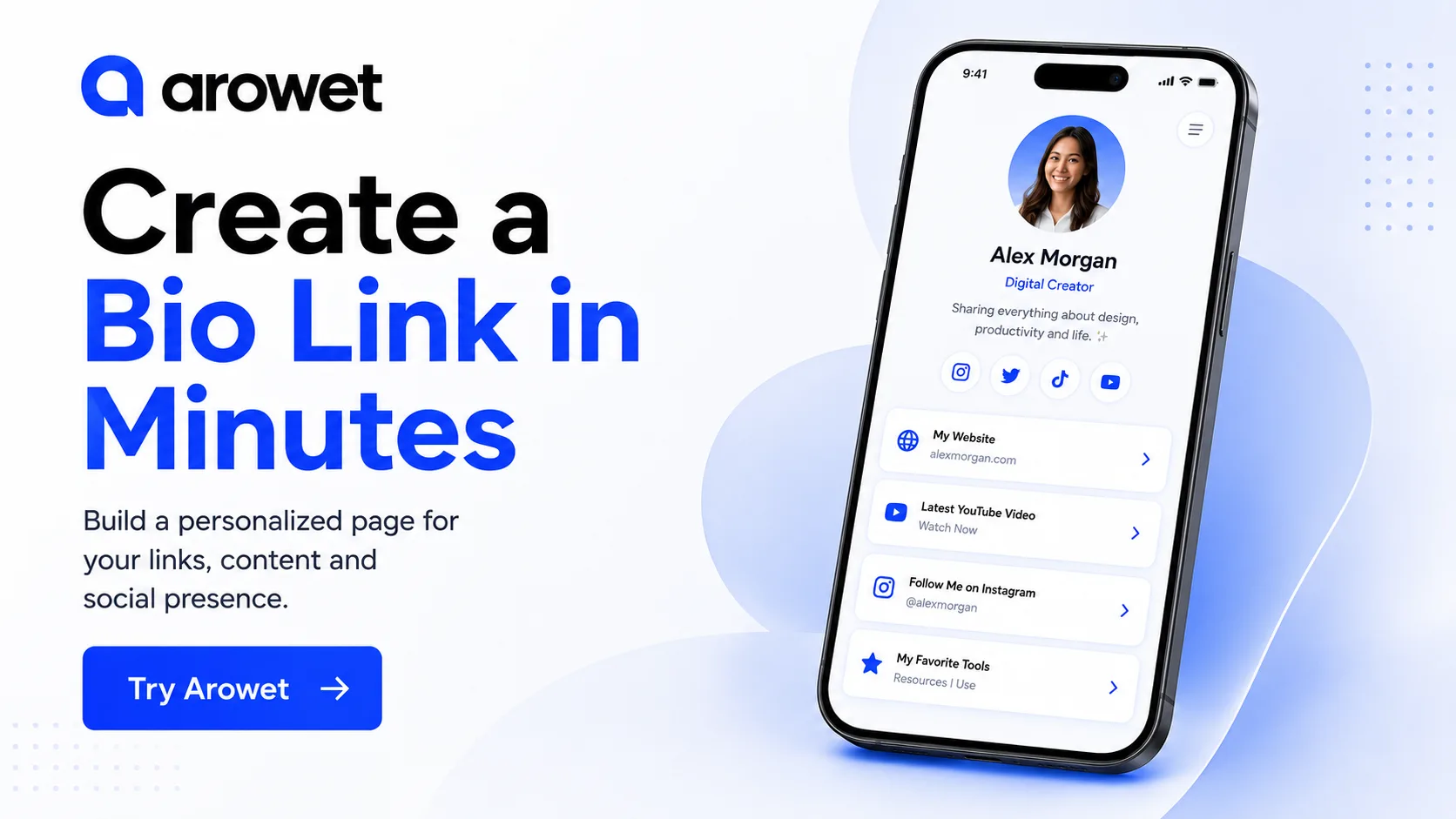
With Arowet, you can create a personalized page, organize your important links and share one URL across your social profiles.
What Is a Bio Link?
A bio link is a single page containing links to the places that matter most to you.
Instead of adding a different URL every time you want to promote something, you can direct visitors to one page containing your:
- Website
- Social media profiles
- YouTube content
- Portfolio
- Products or services
- Contact information
- Important resources
When something changes, simply update your Arowet page without changing the link you already shared.
Build a Page Around Your Identity
A useful bio page should be more than a collection of buttons.
Add your profile information, introduction and important social accounts so visitors immediately understand who you are and what you do.
Keep the most important destination near the top of the page.
For example, a creator might feature their newest video while a freelancer may place their portfolio or contact link first.
Keep Your Links Organized
Too many links can make a page harder to use.
Start with the destinations that actually matter to your audience.
Use clear names such as:
View My Portfolio
Watch My Latest Video
Book a Call
Contact Me
Visitors should know what will happen before they click.
Designed for Mobile Visitors
Most bio links are opened directly from social apps on phones.
That means your page needs to be easy to read, tap and navigate on a small screen.
Arowet gives you one mobile-friendly destination for presenting your profile and links without forcing visitors to move between multiple pages.
One Link, Easier Sharing
Once your page is ready, add your Arowet link to your Instagram, TikTok, YouTube, LinkedIn or other profiles.
You can then continue updating the content behind that link as your work changes.
Start Building
Create your Arowet page, add the links that matter and give your audience one simple place to find you.
CTA: Start Free