What Is a Link in Bio Page?
Your online presence is more than just one social media account. You might have an Instagram profile, a YouTube channel, a LinkedIn page, a portfolio, a business website, and several other places where people can discover your work.
But how do you make it easy for people to find everything?
That's where a link in bio page comes in.
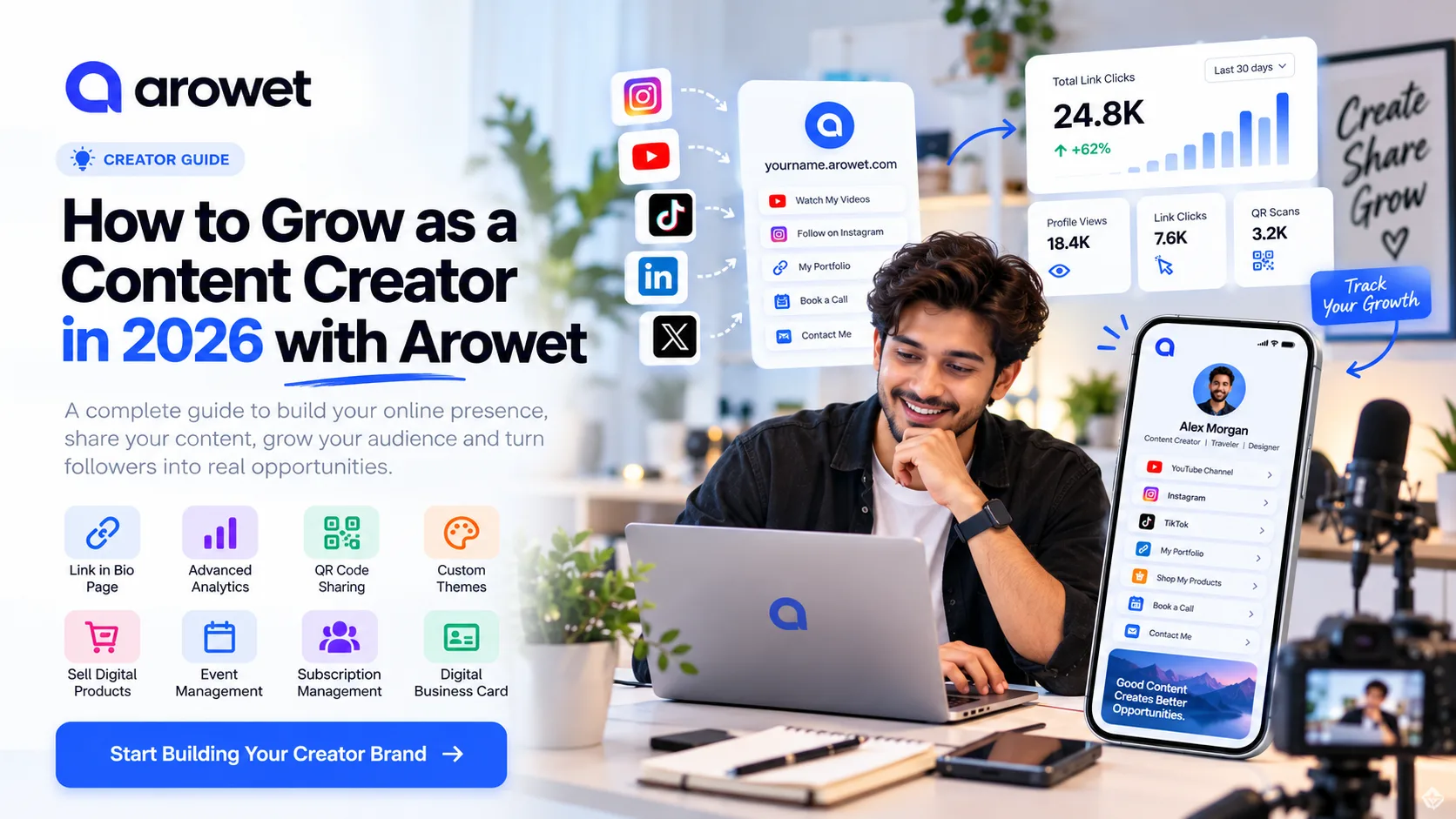
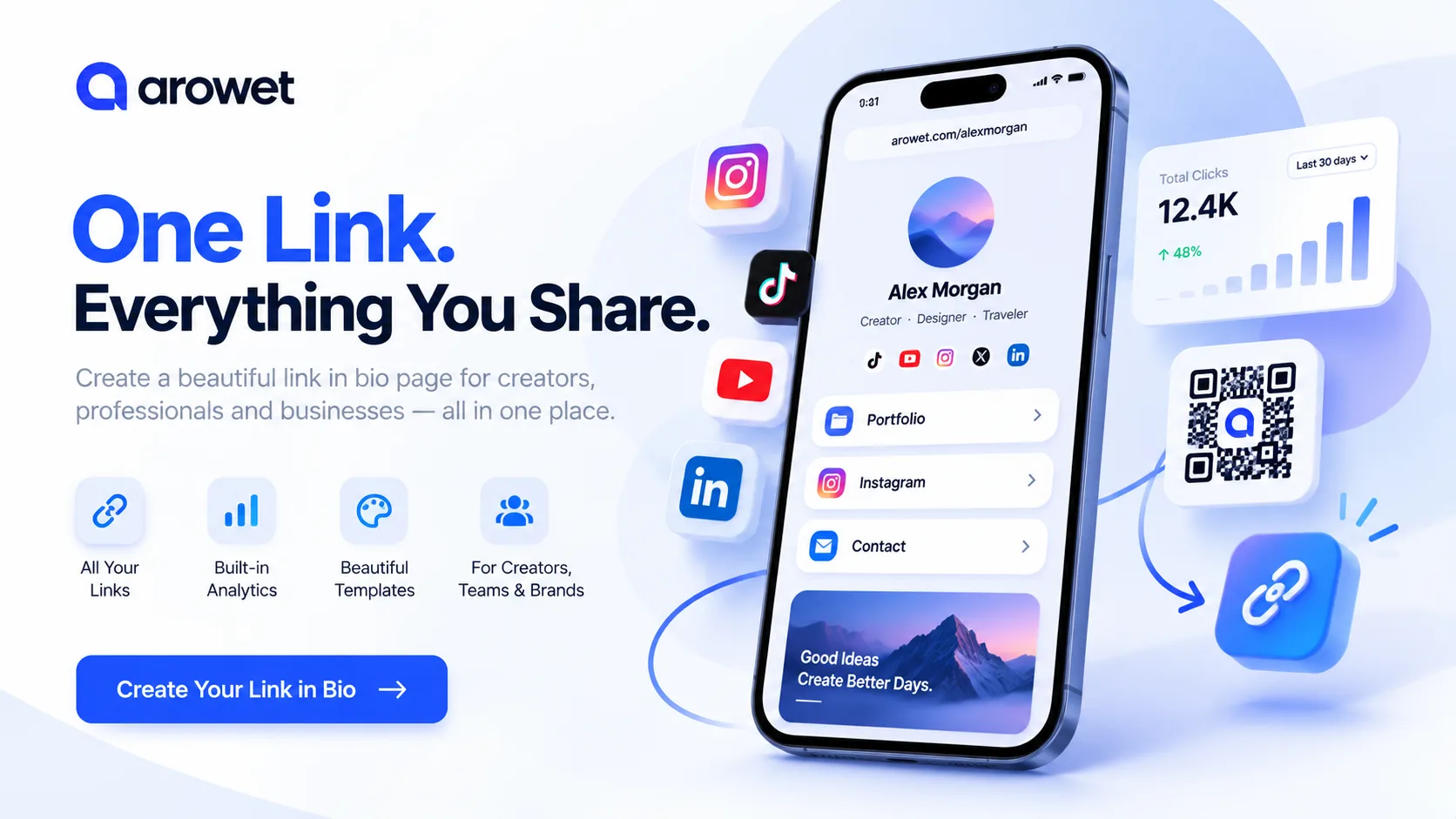
A link in bio page is a single, shareable destination that brings together your most important links, content, and contact information. Instead of sending people to different websites separately, you can share one link that connects them to everything.
With Arowet, creators, professionals, freelancers, and businesses can build a personalized digital profile designed to make sharing simpler.
Why Do You Need a Link in Bio Page?
People discover you in different places. Someone may find your Instagram Reel, watch a YouTube video, scan a QR code, or meet you at a networking event.
A good link in bio page helps visitors take the next step without having to search for your other accounts.
1. Keep Everything in One Place
Bring your social media profiles, portfolio, contact information, and important pages together. One memorable profile link can help visitors explore your online presence.
2. Build a Professional Digital Identity
Whether you're a content creator or a business owner, presentation matters.
A well-organized profile with a clear description, attractive theme, and relevant links makes it easier for people to understand who you are and what you offer.
3. Make Networking Easier
Your profile link can be included in email signatures, resumes, social media bios, marketing materials, and digital business cards.
Arowet also supports QR code sharing, helping people access your profile from physical materials.
4. Understand Your Audience
Knowing what your audience clicks can help you improve your content strategy.
Arowet includes profile and engagement analytics, with advanced analytics available through eligible plans.
How to Create a Link in Bio Page with Arowet
Getting started is straightforward. Follow these steps to build your digital presence.
Step 1: Visit the Arowet Website
Open www.arowet.com and select the option to create an account.
Arowet offers a Starter plan, so you can begin creating your page without needing a paid subscription.
Step 2: Create Your Account
Visit Arowet Registration.
Enter the account information requested, including your name, email address, password, and preferred username.
Choose a username that is easy to remember and represents your identity or brand.
For example, a photographer might use their professional name, while a business might use its brand name.
Step 3: Personalize Your Profile
Your digital profile should reflect your personality or business.
Start with a recognizable profile image, a concise description, and a visual theme that suits your brand.
Keep your introduction focused on three questions:
Who are you?
What do you offer?
What should visitors do next?
A strong description immediately tells people why they should explore your links.
Step 4: Add Your Important Links
Now organize the destinations that matter most.
Depending on your work, these could include Instagram, YouTube, LinkedIn, your portfolio, an online store, booking pages, or a contact page.
Put your highest-priority link near the top. Use simple labels such as View My Portfolio, Watch My Latest Video, or Contact Me.
Avoid cluttering your profile with unnecessary destinations. Every link should serve a clear purpose.
Step 5: Share Your Arowet Profile
Once your profile is ready, share it wherever people connect with you.
You can add your Arowet link to your social media bios, email signature, website, and promotional materials.
QR code sharing also makes it convenient to connect offline interactions with your digital presence.
Step 6: Review Your Performance
After sharing your profile, pay attention to how visitors interact with it.
Explore available profile views, link activity, and QR interactions. Review which destinations attract interest, then adjust your profile accordingly.
Availability and depth of reporting may depend on your plan.
Who Can Use Arowet?
Arowet is designed for different types of individuals and businesses.
Content Creators: Bring videos, social channels, latest posts, and collaboration inquiries into one destination.
Freelancers and Designers: Showcase portfolio work, professional profiles, services, and client contact links.
Small Businesses: Organize product pages, store links, customer support, offers, and business information.
Coaches and Educators: Share learning resources, appointment links, training content, and professional information.
Musicians and Artists: Give fans a simple way to find streaming platforms, upcoming releases, merchandise, and booking links.
Event Organizers: Share invitations and event information from one convenient digital destination.
What Makes Arowet Useful?
Arowet brings several online identity and sharing tools into one platform.
Customizable Profile Themes
Create a profile that matches your brand instead of relying on a collection of unorganized links.
Unlimited Links
The Starter plan includes unlimited links, making it easier to maintain multiple important destinations.
QR Code Sharing
Connect your offline marketing and networking activities to your public digital profile.
Analytics and Audience Insights
Understand visitor activity and refine how you present your content.
Tools for Growing Creators and Businesses
Arowet offers plan options with additional capabilities, including advanced analytics, private content, subscriptions, business cards, and event-related tools.
You can choose the plan that best matches your needs.
Tips for Creating a Better Link in Bio Page
Creating your page is the first step. Making it useful requires a little planning.
Use a clear profile image. Choose a photo or logo that people will recognize.
Write a simple introduction. Explain what you do without using unnecessary jargon.
Prioritize your links. Place the action you care about most at the top.
Keep your profile updated. Remove outdated offers and replace old content with current work.
Make your calls to action specific. "Book a Consultation" is more helpful than "Click Here."
Review your results. Use available engagement information to understand what interests your visitors.
Small improvements can make your profile easier to navigate and more valuable to your audience.
Frequently Asked Questions
Is Arowet free to use?
Arowet offers a free Starter plan with core link in bio features, including unlimited links, customizable themes, and QR code sharing. Additional capabilities are available through paid plans.
Can I add multiple social media links?
Yes. You can bring multiple destinations together on your Arowet profile, including popular social platforms, websites, and other relevant pages.
Can I share my Arowet profile using a QR code?
Yes. QR code sharing is one of Arowet's supported features and can help connect printed materials with your digital profile.
Is Arowet suitable for businesses?
Yes. Businesses can use Arowet to organize important destinations, including company information, services, products, social profiles, and contact links.
Can I track profile activity?
Arowet supports engagement reporting, including profile visits and link activity. Advanced analytics are offered through eligible plans.
Final Thoughts
Your digital presence should be simple to discover, easy to explore, and convenient to share.
Instead of managing multiple disconnected links, create a central destination that helps people understand your work and connect with you.
Whether you're building a personal brand, growing a creative audience, or promoting a business, Arowet provides tools to bring your online identity together.
One profile. One link. Everything you share.
Ready to get started?
Create Your Free Arowet Page and build a more connected digital presence today.