
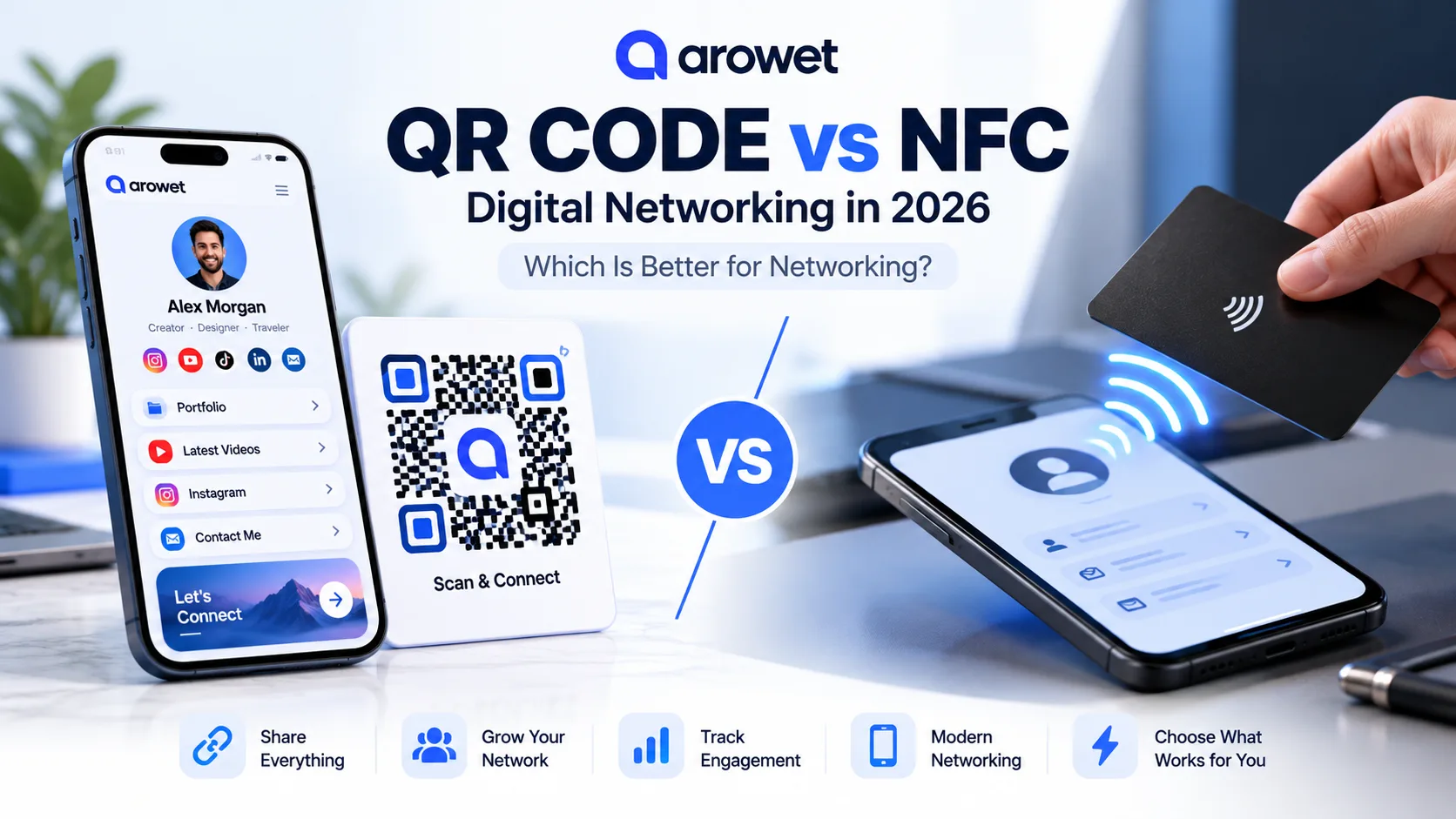
A business introduction can last just a few seconds. The way you share your contact details should not slow it down.
In 2026, professionals have practical alternatives to handing over a printed business card: a QR code that opens a digital profile, or an NFC-enabled card or tag that opens a link when tapped with a compatible phone.
Both options can lead people to your website, portfolio, social channels, and contact details. But QR codes and NFC are not the same thing—and neither is automatically the right choice for every situation.
This guide explains the differences, the latest available industry research, and how to use an Arowet profile as your shareable digital destination.
Why Digital Networking Matters in 2026
QR codes are still seeing meaningful use.
Bitly's September 2026 report analyzed 1.9 million codes created on its platforms in the first half of 2026 and reported 6.2% year-over-year growth in QR scan volume between the first halves of 2025 and 2026.
Another industry snapshot comes from Spreadly's June 2026 digital-card study, which analyzed sharing activity across one million of its users.
In that dataset:
28.1% of digital-card shares used QR codes.
6.9% used NFC cards.
Wallet-based and lock-screen sharing were also prominent methods.
Those figures describe Spreadly's own platform, not the entire global market. Nevertheless, they illustrate why these technologies deserve attention.
The bigger opportunity is not simply scanning or tapping. It is giving someone a useful destination and a clear next step.
What Is a QR Code Digital Business Card?
A QR code digital business card is a scannable code that opens a digital contact page or profile.
Someone points their phone camera at the code, checks the destination, and opens your information in a browser.
You can display a QR code on:
A smartphone screen
Printed business cards
Conference badges
Office reception desks
Marketing posters
Brochures and presentations
Promotional merchandise
Best for: Creators, freelancers, event organizers, consultants, and businesses that want flexible digital sharing without purchasing additional tap-to-share hardware.
Benefits of QR Code Business Cards
1. Easy to share
A QR code can be displayed digitally or printed on almost any suitable physical surface.
2. Cost-effective
An on-screen QR code does not require purchasing a physical NFC card or tag.
3. Accessible across devices
Many modern smartphones support QR scanning directly through their cameras.
4. Ideal for marketing
A QR code can connect physical promotions with websites, portfolios, booking pages, or online profiles.
What Is an NFC Digital Business Card?
NFC stands for Near Field Communication.
An NFC business card or tag contains a small chip that communicates with a compatible device at very close range. In many digital-card setups, the chip contains a website link.
When someone holds a compatible smartphone near the NFC card, their device may display a notification or prompt to open the link.
Benefits of NFC Business Cards
1. Convenient tap-to-share interaction
Instead of opening the camera, the recipient can interact with the card using a compatible NFC-enabled phone.
2. Useful for face-to-face meetings
NFC cards are especially practical when regularly meeting clients, partners, or professional contacts.
3. Reusable physical format
An appropriately programmed NFC tag can be reused for repeated introductions.
4. Professional presentation
A physical card can provide a familiar, tangible object alongside a digital destination.
However, NFC interactions depend on compatible hardware, correct programming, and receiving-device behavior. They are not guaranteed to work on every phone.
QR Code vs NFC: Complete Comparison
FeatureQR CodeNFC CardConnection methodScan with a cameraTap with a compatible phoneAdditional hardwareNot needed for an on-screen QRUsually requires an NFC card or tagSharing distanceVisible scanning distanceVery close rangePrinted materialsGreat for posters and brochuresRequires an NFC-enabled itemOnline sharingEasy to include as an imageSharing the underlying URL is easierCompatibilityBroad smartphone supportDepends on NFC hardware and settingsIdeal useMass sharing and marketingFace-to-face networkingMain limitationCode must be visible and readableTag may not be detected by every deviceThe takeaway: QR codes are a practical choice for broad sharing. NFC cards are an attractive option for tap-first, in-person networking. Neither method is universally better.
Five Real-World Situations: Which Should You Choose?
1. At a Conference or Trade Show
A QR code displayed at your booth can be scanned by many visitors.
An NFC card can work particularly well during individual conversations.
If your event involves both large crowds and personal meetings, offering both methods may be helpful.
2. On Instagram or a Portfolio Website
For online interactions, a direct clickable profile link is usually the simplest choice.
A QR code can also be useful in downloadable portfolios, presentations, and promotional graphics.
NFC offers little additional value when the interaction takes place entirely online.
3. On a Printed Business Card
A printed QR code gives people a familiar scanning option.
An NFC-enabled card adds a tap-to-share option, but you should consider hardware costs and recipient compatibility.
4. For Freelancers and Job Seekers
Your profile can bring together your portfolio, LinkedIn, resume, professional work, and contact details.
A QR code on a printed resume or portfolio can help recruiters reach your online presence.
5. For Small Businesses
QR codes can connect customers with product information, services, bookings, contact details, and other useful resources.
Place them on packaging, brochures, reception desks, or promotional materials where appropriate.
How to Create a QR-Shareable Profile with Arowet
Arowet offers a customizable public profile for links, content, and online identity.
Its official website lists QR code sharing under the free Starter plan, advanced analytics under Pro, and business cards under Business.
Here's how to get started.
Step 1: Create Your Account
Visit Arowet and select the registration option.
You can also access the Arowet registration page directly.
Choose a recognizable username that represents your name or business.
Step 2: Complete Your Digital Profile
Add important details such as:
Your name or brand name
A professional profile image
A short introduction
Your website or portfolio
Relevant social media links
A preferred contact method
Your profile should explain who you are and what you offer.
Step 3: Organize Your Links
Put your most valuable destination near the top.
Consider calls to action such as:
View My Portfolio
Book a Consultation
Explore My Services
Connect on LinkedIn
Contact Me
Clear labels make it easier for visitors to find the information they need.
Step 4: Use QR Code Sharing
Use the QR-sharing option available for your Arowet profile.
Save or share the code and test it using multiple devices before placing it on printed materials.
Exact interface labels may vary.
Step 5: Share Your Profile
Place your QR code on suitable physical materials and use your clickable profile URL across online channels.
One consistent public profile can simplify how people find your work.
Step 6: Review Engagement
Arowet's website describes profile visits, link taps, and QR activity.
Review the reporting available with your plan to understand audience engagement and improve the information you present.
Can You Use an NFC Tag With Your Arowet Profile?
A compatible, writable NFC tag can sometimes be programmed with a public HTTPS URL using a third-party NFC-writing app.
In principle, you could use your public Arowet profile URL as that destination.
However, Arowet's publicly documented features do not confirm native NFC-card programming. Using a separate NFC tag would therefore be an independent hardware setup rather than a confirmed built-in Arowet feature.
Before using this approach, verify that the tag, writing application, and receiving phones are compatible.
Keep your direct link or QR code available as an alternative.
Three Best Practices for Better Digital Networking
1. Keep Your Profile Updated
Make sure your important links, contact information, portfolio, and business details remain current.
An outdated digital profile is no more helpful than an outdated paper card.
2. Test Your QR Code Before Printing
Check that the QR code has sufficient contrast and clear space around it.
Scan it from the expected viewing distance and under realistic lighting conditions.
Always test before producing large quantities of marketing material.
3. Prioritize Security and Trust
QR codes are convenient, but malicious codes can redirect users to suspicious websites.
In September 2026, the U.S. Federal Trade Commission advised consumers to inspect the destination URL before opening a scanned link.
When sharing your own profile, use a recognizable destination and avoid confusing redirects.
Frequently Asked Questions
Is a QR code better than an NFC business card?
QR codes are generally more practical for posters, marketing materials, and wide distribution.
NFC cards can be convenient for individual, face-to-face introductions.
The best option depends on how and where you connect with people.
Do people need an app to scan a QR business card?
Many modern smartphones support QR scanning through their built-in cameras.
A browser and network connection may still be needed to open the destination.
Does NFC work on iPhone and Android?
Many modern iPhone and Android devices support NFC interactions.
However, compatibility and behavior depend on the device, operating system, tag type, and settings.
Can I change my profile without reprinting a QR code?
If your QR code points to a stable Arowet profile URL, you can update the information shown on that profile without changing the URL.
If the underlying URL changes, an ordinary static QR code still points to the old address.
Does Arowet offer free QR sharing?
Yes. Arowet publicly lists QR code sharing, unlimited links, and custom profile themes in its Starter plan.
Check the official website for current plan details.
Will scanning or tapping automatically save someone's contact?
Not necessarily.
Opening a digital profile is different from importing contact details into a phone's address book.
Contact saving depends on the destination, supported formats, device, and user actions.
Final Verdict: Start With One Profile
QR codes and NFC digital business cards are different ways to achieve the same goal: making professional introductions easier.
For creators, freelancers, consultants, and small businesses, a shareable digital profile with a QR code is a sensible starting point.
An NFC card or tag may be worth exploring later if you regularly meet people in person and want an additional physical sharing method.
With Arowet, you can bring your online presence together in one place and make it easier for people to discover your work, services, and contact information.
One Profile. One Link. More Ways to Connect.
Ready to simplify your digital networking?
Create Your Free Arowet Profile